OOPBUY Spreadsheet with QC 2026 - How to Check Photos Before Shipping
QC (quality check) photos are the most important step in any reps order. This guide explains how to find OOPBUY spreadsheet items with QC and what to look for.
What is QC?
When your item arrives at the OOPBUY warehouse, the agent photographs it. You approve (GL) or reject (RL) the item before it is shipped internationally.
What to check in QC photos
- Overall shape vs the listing photos
- Stitching, glue and logo placement
- Sole shape and colour (shoes)
- Print and fabric (clothing)
- Measurements: insole length, chest width
How to get more photos
If the first photos are not clear, ask the agent for close-ups of the logo, the sole, the tags and both shoes side by side. Most agents provide extra photos for free or a small fee.
GL or RL?
GL means green light - approve and ship. RL means red light - reject and ask for an exchange or refund. Never approve if the shape or size is wrong.
Where to find items with QC
Open the OOPBUY spreadsheet, pick a product and order it. QC photos are included with every order before international shipping.
🛒 Shop These Finds
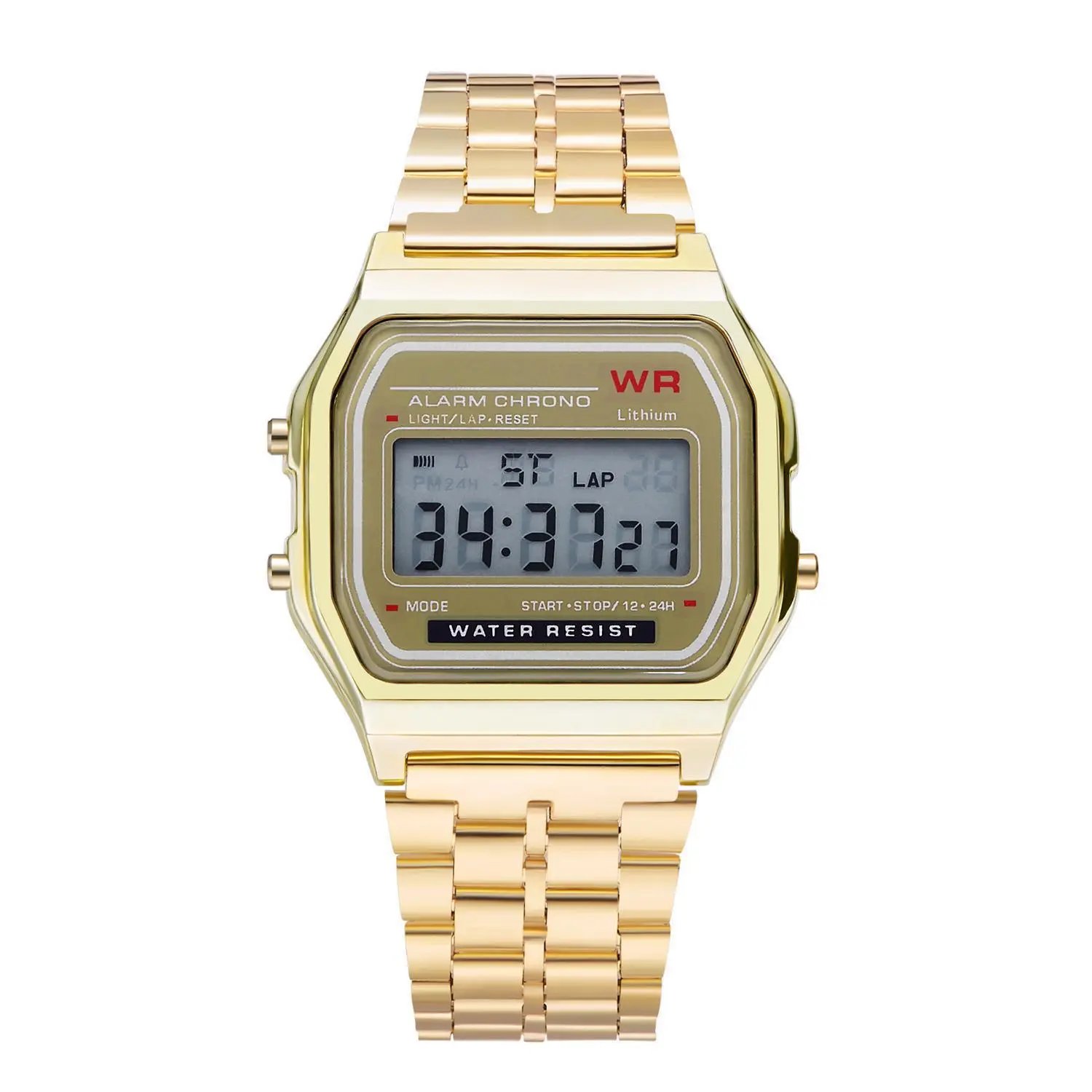 F91 Retro Digital Watch with Steel Bracelet
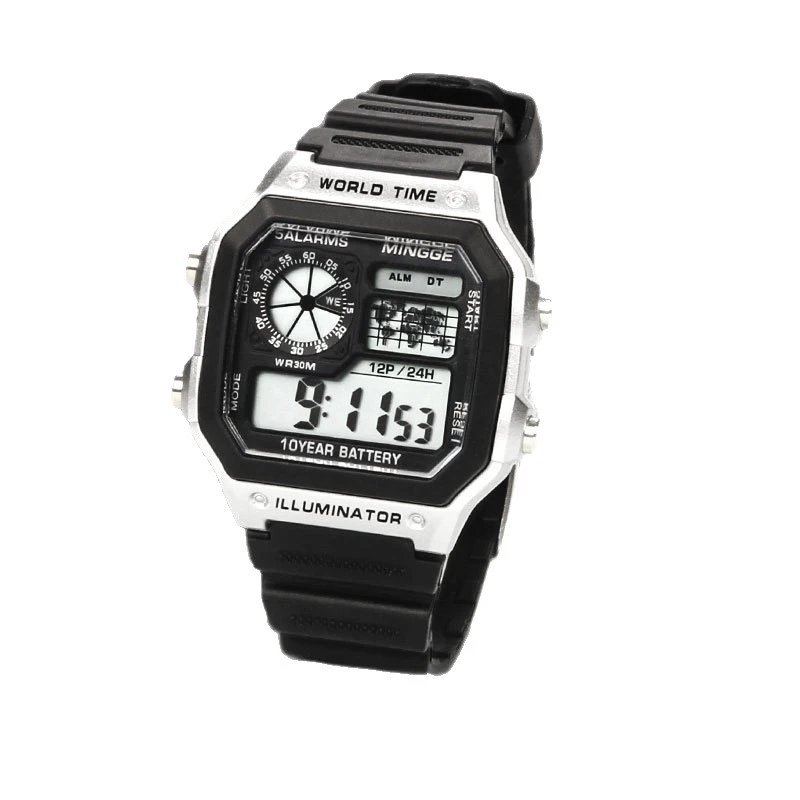 Digital Sports Watch
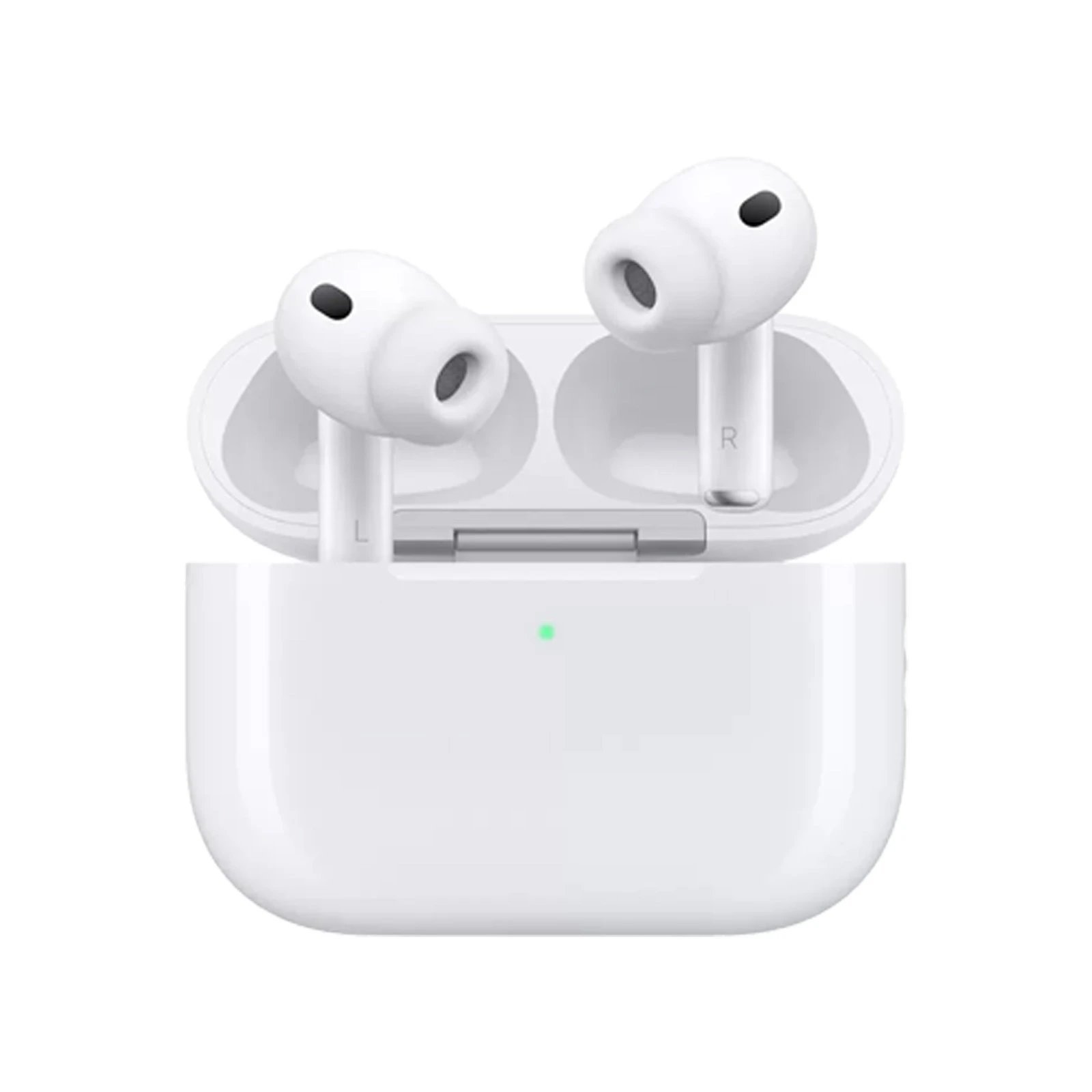 AirPods Pro
 AirPods 4
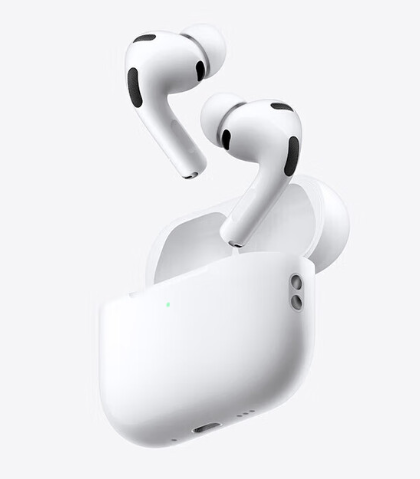 AirPods 3
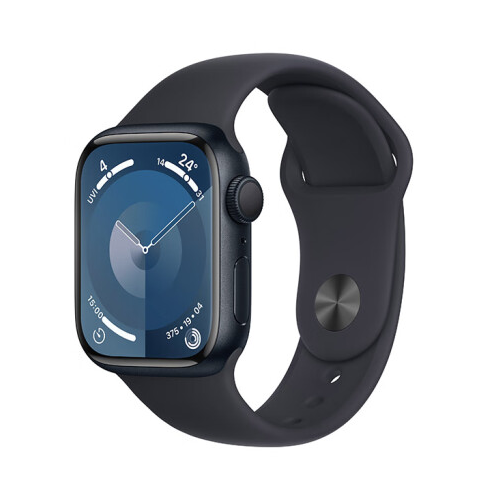 Apple Watch Series 9
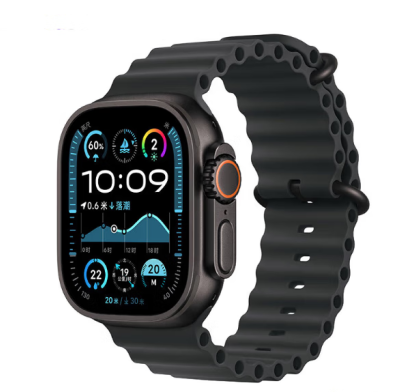 Apple Watch Ultra 2
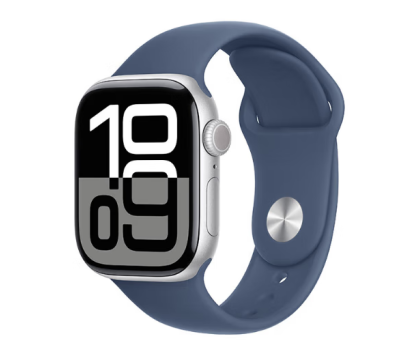 Apple Watch Series 10
Tap a product to see the full gallery, sizes and all agent links.