














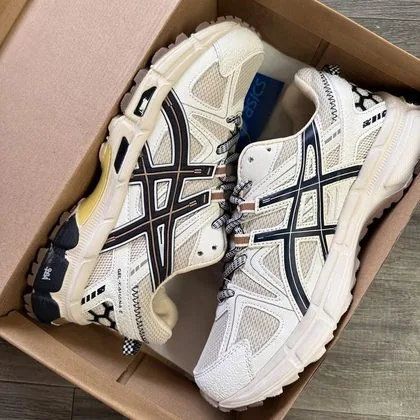
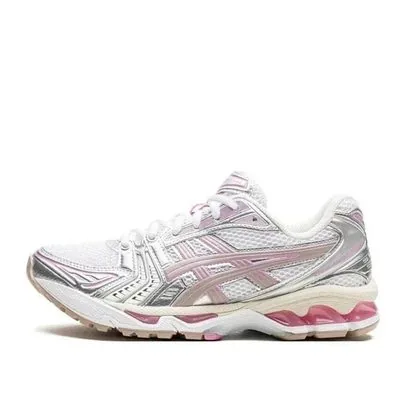


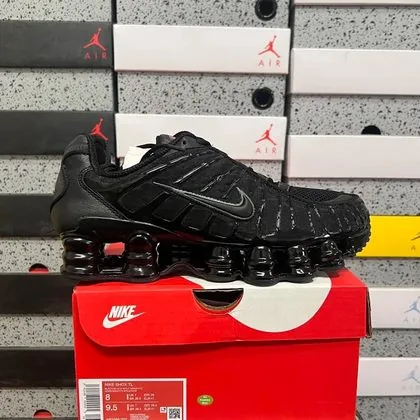


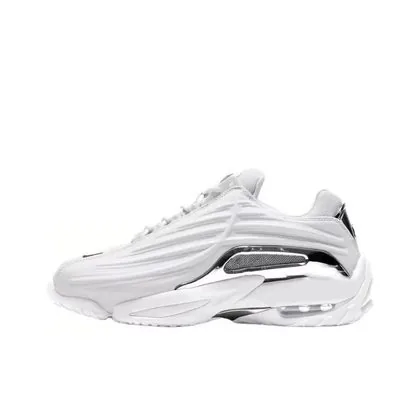










How to order from OOPBUY
How to use this OOPBUY spreadsheet: open a product, click “Buy via OOPBUY”, log in to your OOPBUY account and confirm the order. When the item reaches the OOPBUY warehouse you will receive QC photos before international shipping.
Shopping tips
- Always check the size chart on the product page before paying.
- Combine several items in the OOPBUY warehouse to save on shipping.
- Review your QC photos carefully before approving international shipping.
- Prices and stock change often - confirm on the product page before ordering.
OOPBUY Spreadsheet FAQ
How do I order from OOPBUY?How to use this OOPBUY spreadsheet: open a product, click “Buy via OOPBUY”, log in to your OOPBUY account and confirm the order. When the item reaches the OOPBUY warehouse you will receive QC photos before international shipping.
Does OOPBUY ship to my country?OOPBUY offers many international shipping lines. Delivery usually takes 7-20 days after the parcel leaves the warehouse; check the available lines in your account.
Can I get QC photos with OOPBUY?Yes. When your item arrives at the OOPBUY warehouse you will receive QC photos. Check them before approving international shipping.
Is there a discount for OOPBUY?Yes - our customers get 10% OFF on OOPBUY orders.