Weidian Link Converter Guide - How to Order from a Weidian Link
Most reps spreadsheets give you a Weidian link. This guide explains what that link contains and how to order it through an agent.
What is in a Weidian link?
A typical link looks like this: https://weidian.com/item.html?itemID=1234567890&spider_token=abcd. The itemID identifies the product. The spider_token is a share token that lets guests open the listing - it can expire.
How to convert it
- Copy the full Weidian link.
- Open your agent (for example OOPBUY or Sugargoo).
- Paste the link into the search / buy bar.
- The agent opens the product page with photos and sizes.
- Choose size and colour, then pay.
Do you need the spider_token?
Many products open without it. If the agent cannot load the item, open the link in a browser first, then copy the URL again including the token.
On K-Shop
You do not need to convert anything manually. Every product page already has direct buttons for ten agents, so one click opens the item in your chosen agent.
Tip: if a link stops working, search the product by name on our site or message us on WhatsApp.
🛒 Shop These Finds
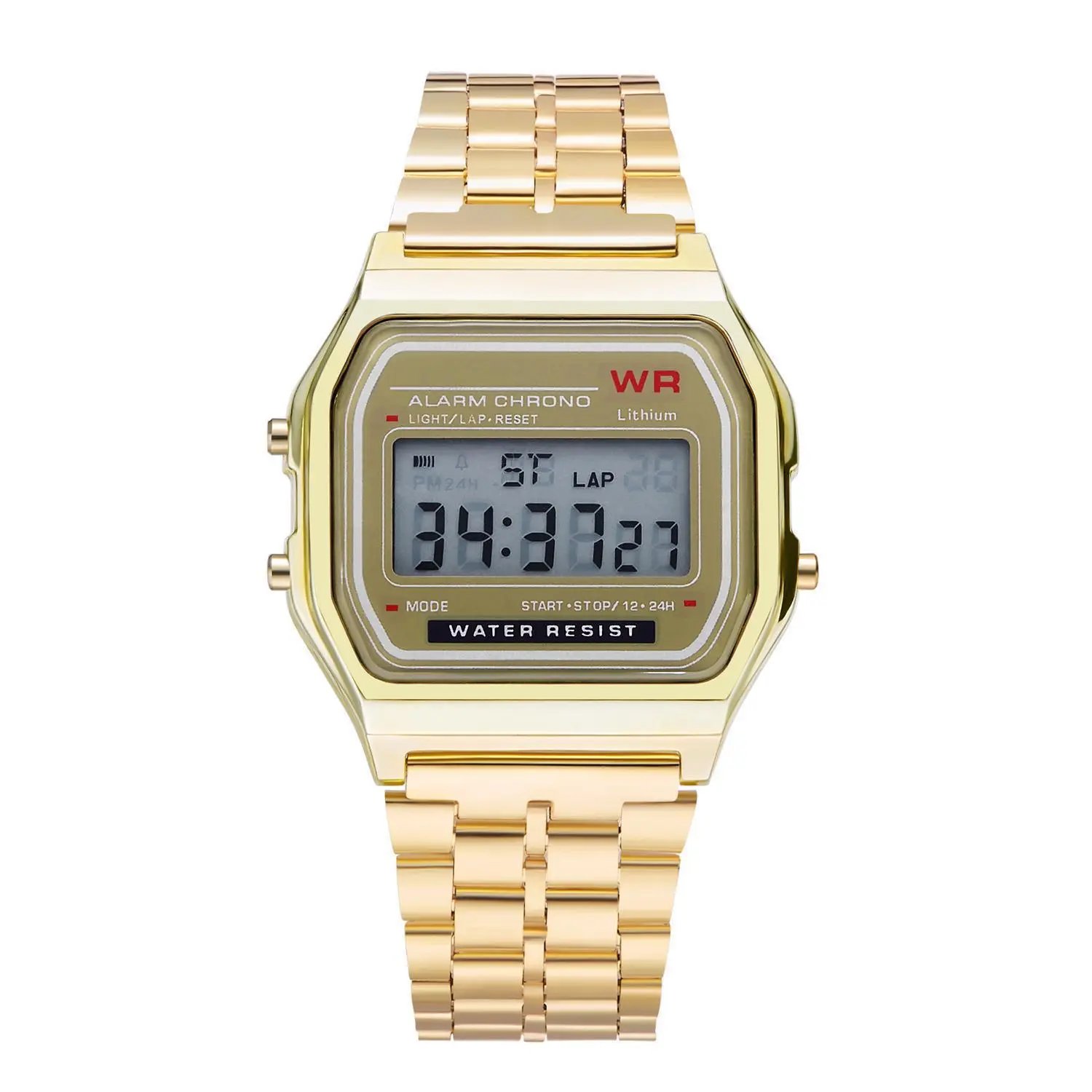 F91 Retro Digital Watch with Steel Bracelet
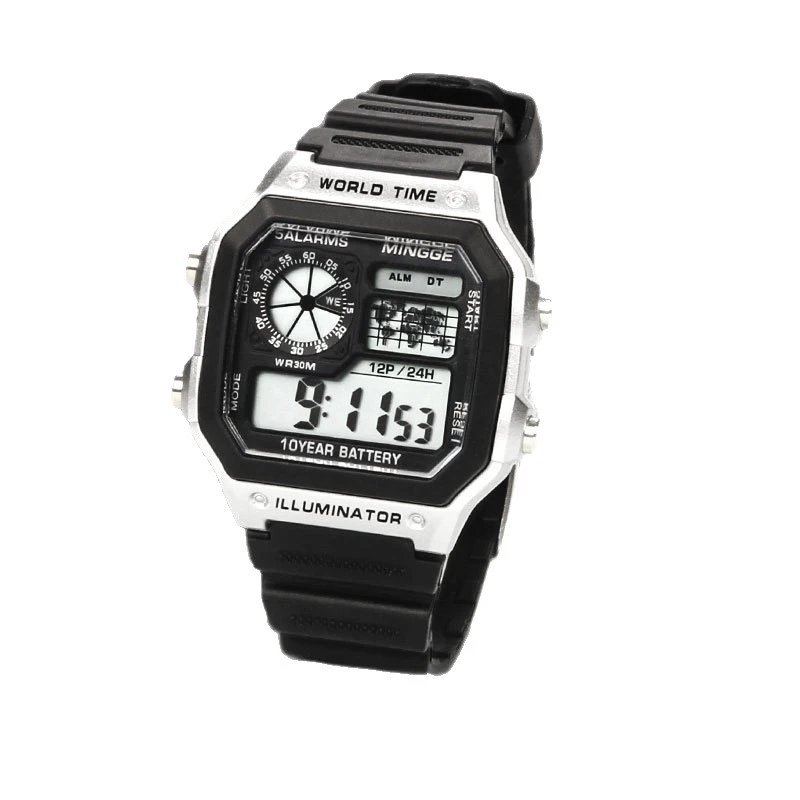 Digital Sports Watch
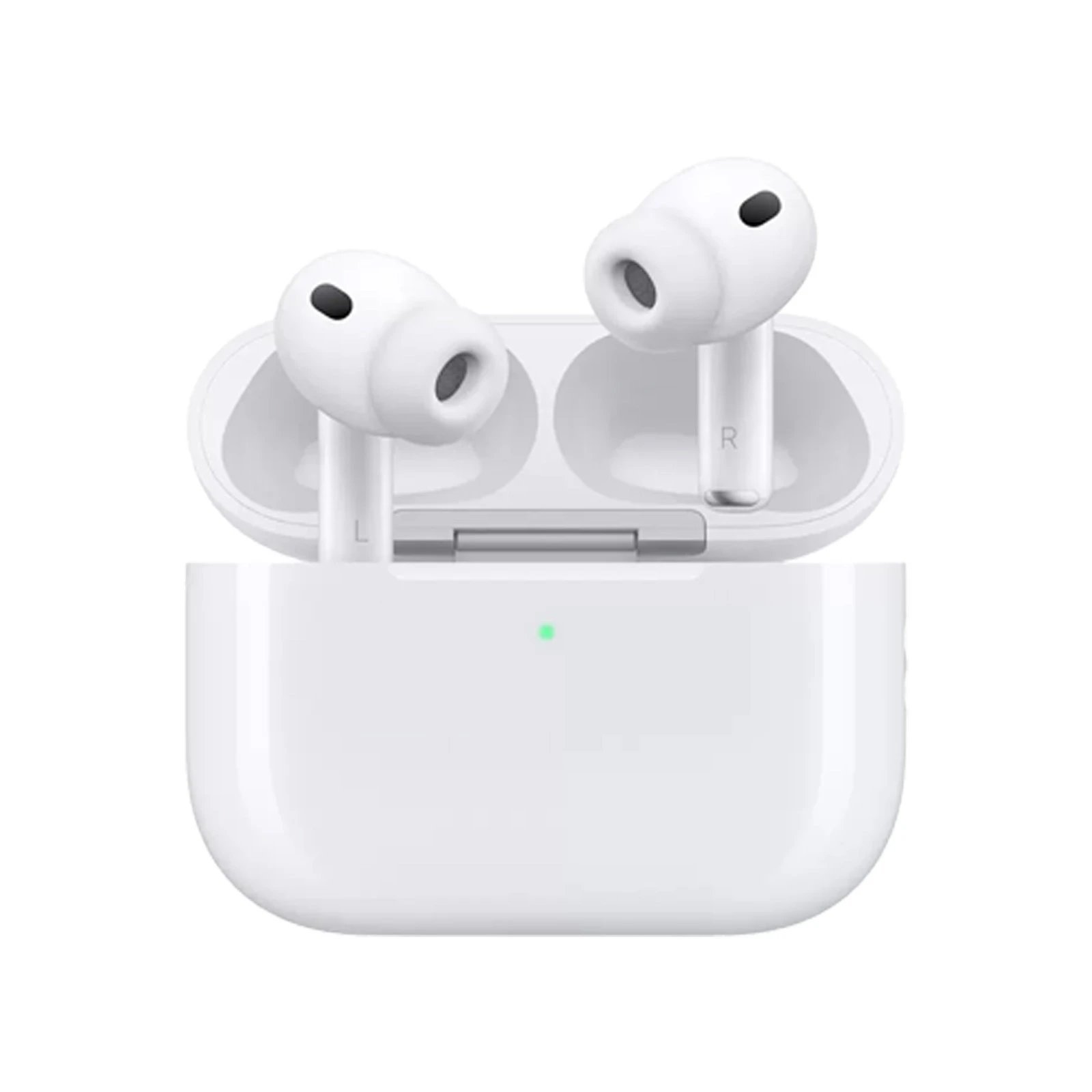 AirPods Pro
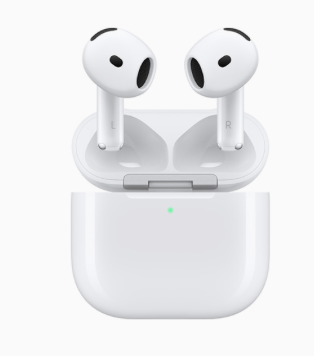 AirPods 4
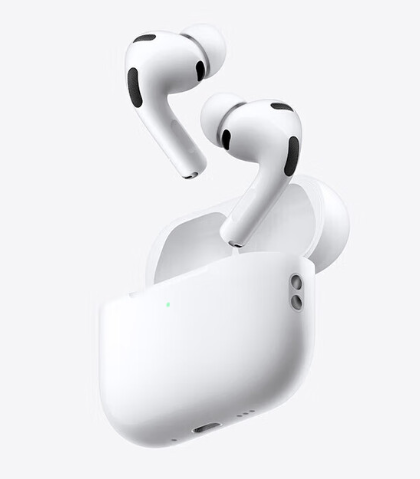 AirPods 3
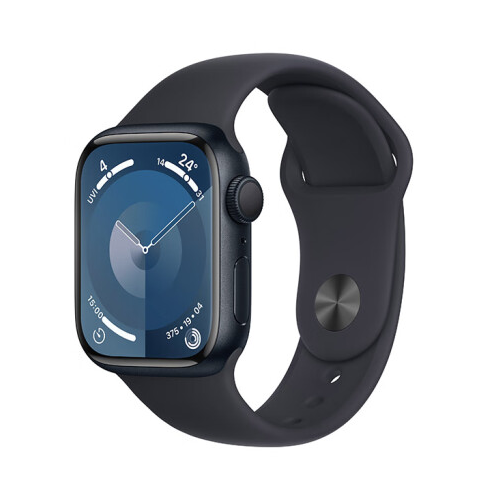 Apple Watch Series 9
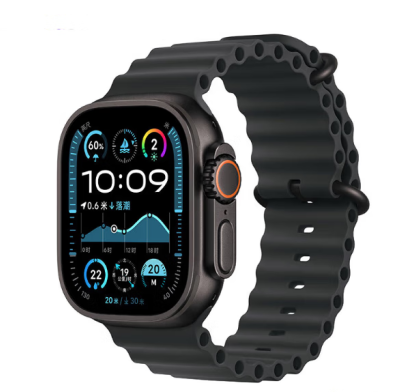 Apple Watch Ultra 2
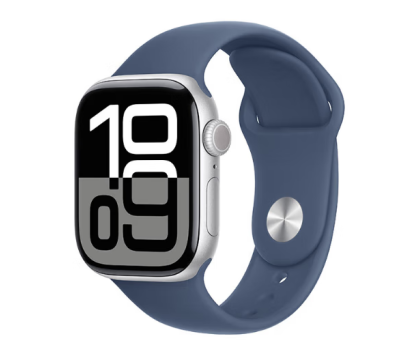 Apple Watch Series 10
Tap a product to see the full gallery, sizes and all agent links.