How to Use a Reps Spreadsheet (Beginner Guide 2026)
If you have never ordered reps before, a spreadsheet can look confusing. This beginner guide explains exactly how to use a reps spreadsheet in 2026, from reading the columns to receiving your parcel.
Step 1 - Understand the columns
A typical spreadsheet shows the item name, the price in CNY, the seller link and sometimes the batch name. On K-Shop each product page shows the price in USD and CNY, the photo gallery and the available sizes.
Step 2 - Pick a batch
Popular batches are named after factories or sellers. Cheaper does not always mean worse - but very cheap sneakers often have shape problems. Compare photos of the same model from two or three sellers.
Step 3 - Check the size chart
Always compare the size chart with a shoe or garment you already own. For sneakers, measure your foot and add 0.5 cm. Read our reps size guide for EU, US and UK conversions.
Step 4 - Order through an agent
Click a buy button on the product page. Every major agent works: OOPBUY, Hipobuy, Sugargoo, Superbuy and more. Create a free account, paste the link and pay.
Step 5 - QC photos
When the item arrives at the warehouse you receive QC photos. Check the shape, stitching, colour and measurements. If something is wrong, ask for an exchange before shipping. Read the QC photo guide.
Step 6 - Shipping
Choose a shipping line based on your budget and patience. Cheap lines take longer; express lines are faster. You can combine several items into one parcel to save money.
Common beginner mistakes
- Not checking the size chart.
- Approving bad QC photos too quickly.
- Shipping single items instead of combining.
- Using a brand-new seller with no feedback.
🛒 Shop These Finds
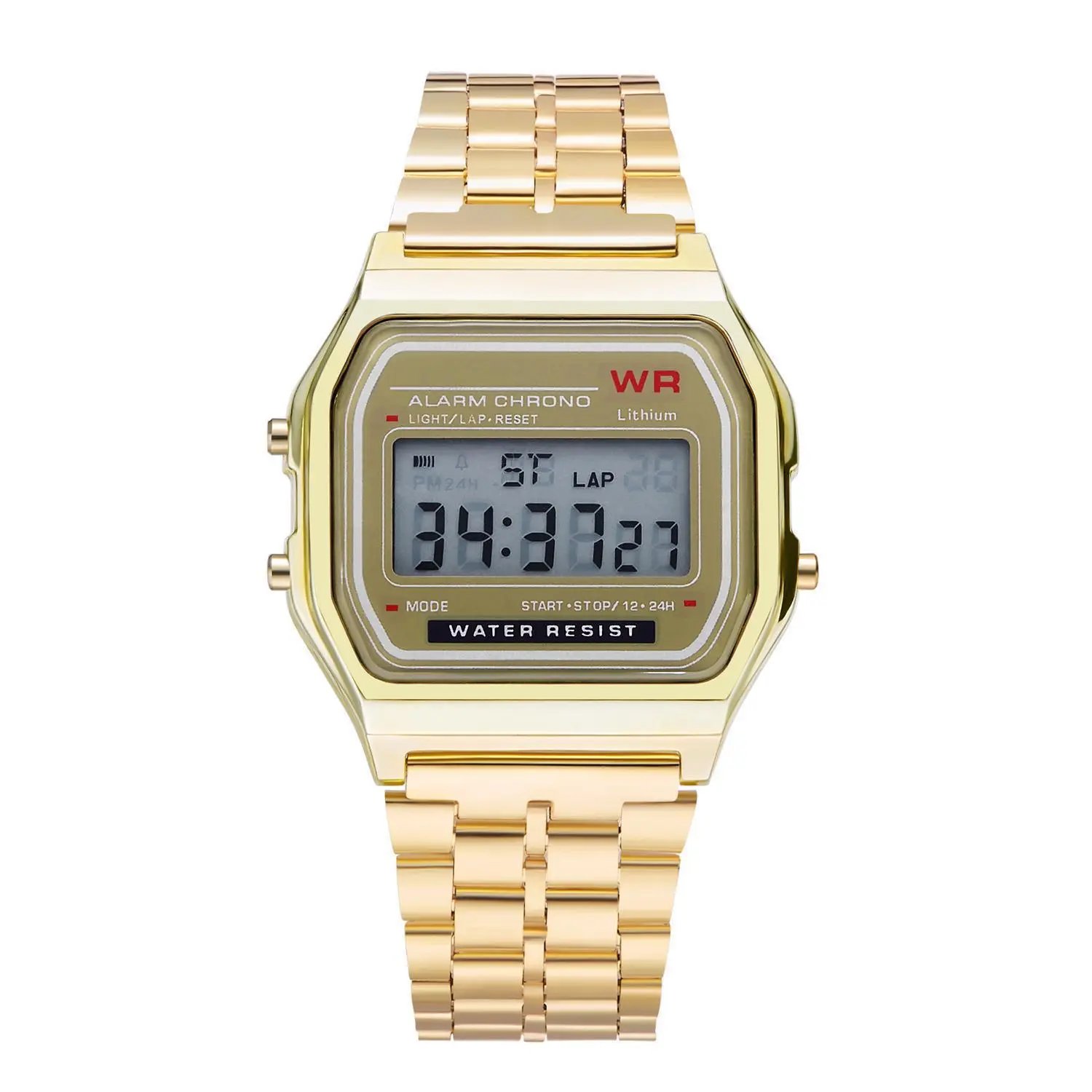 F91 Retro Digital Watch with Steel Bracelet
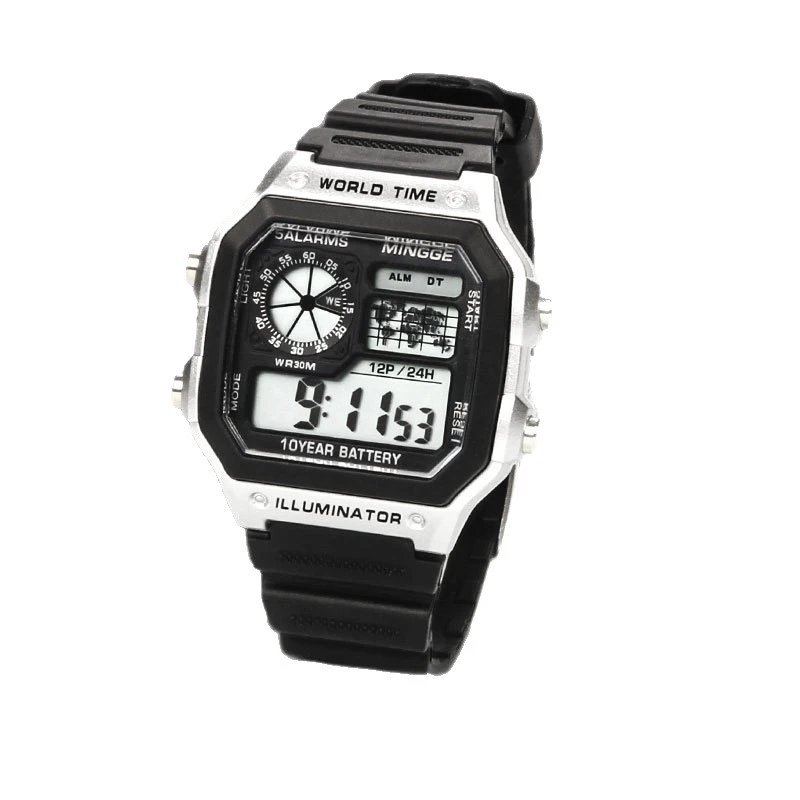 Digital Sports Watch
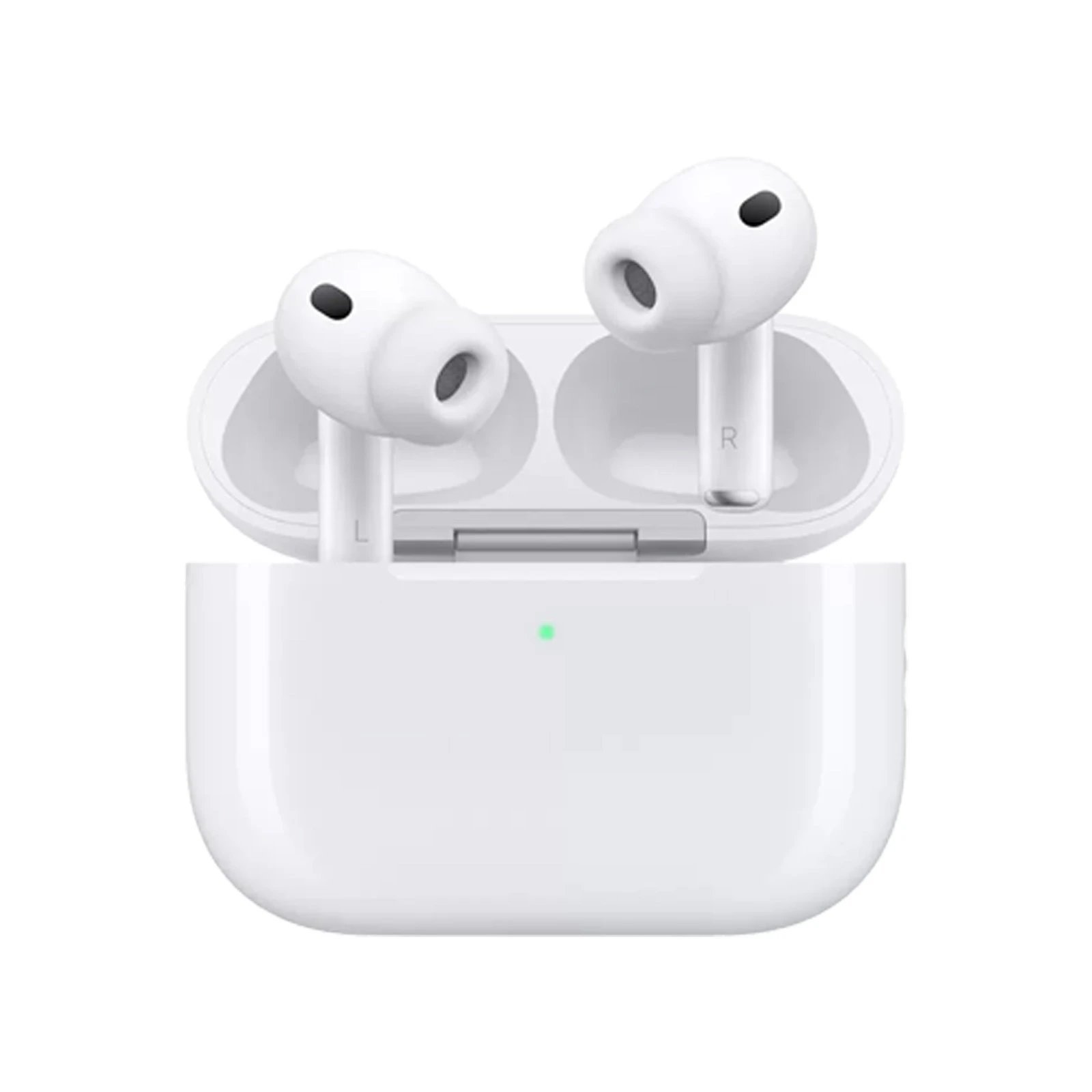 AirPods Pro
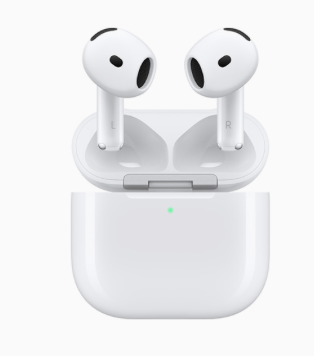 AirPods 4
 AirPods 3
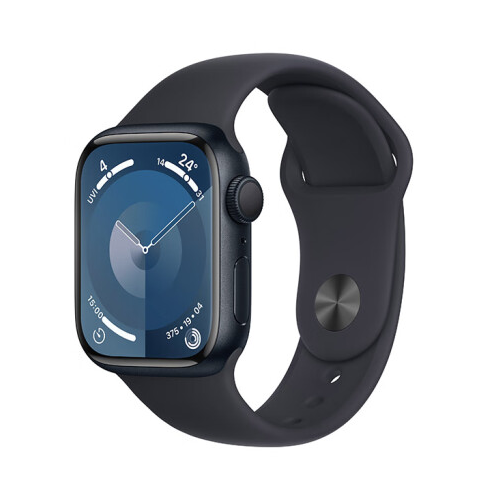 Apple Watch Series 9
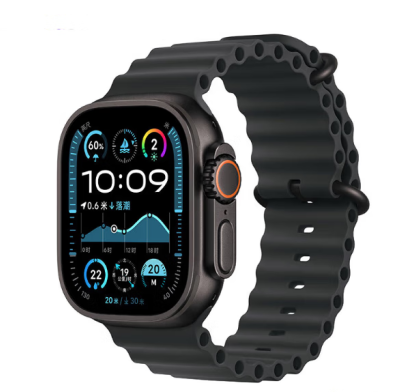 Apple Watch Ultra 2
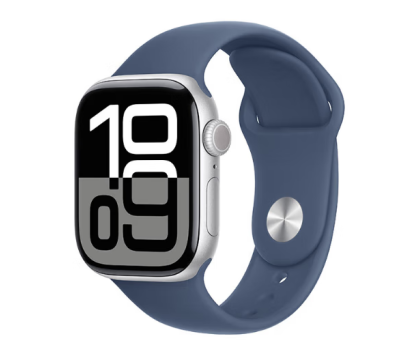 Apple Watch Series 10
Tap a product to see the full gallery, sizes and all agent links.